
Cleaner Pro
Mobile Storage
for iPhone
An independent look at how this iOS application uses artificial intelligence to identify duplicate photos, organize your gallery, and provide a clear picture of what is consuming your device storage.
Duplicate Detection
Identifies identical and near-identical images across your entire photo library using pattern-matching algorithms.
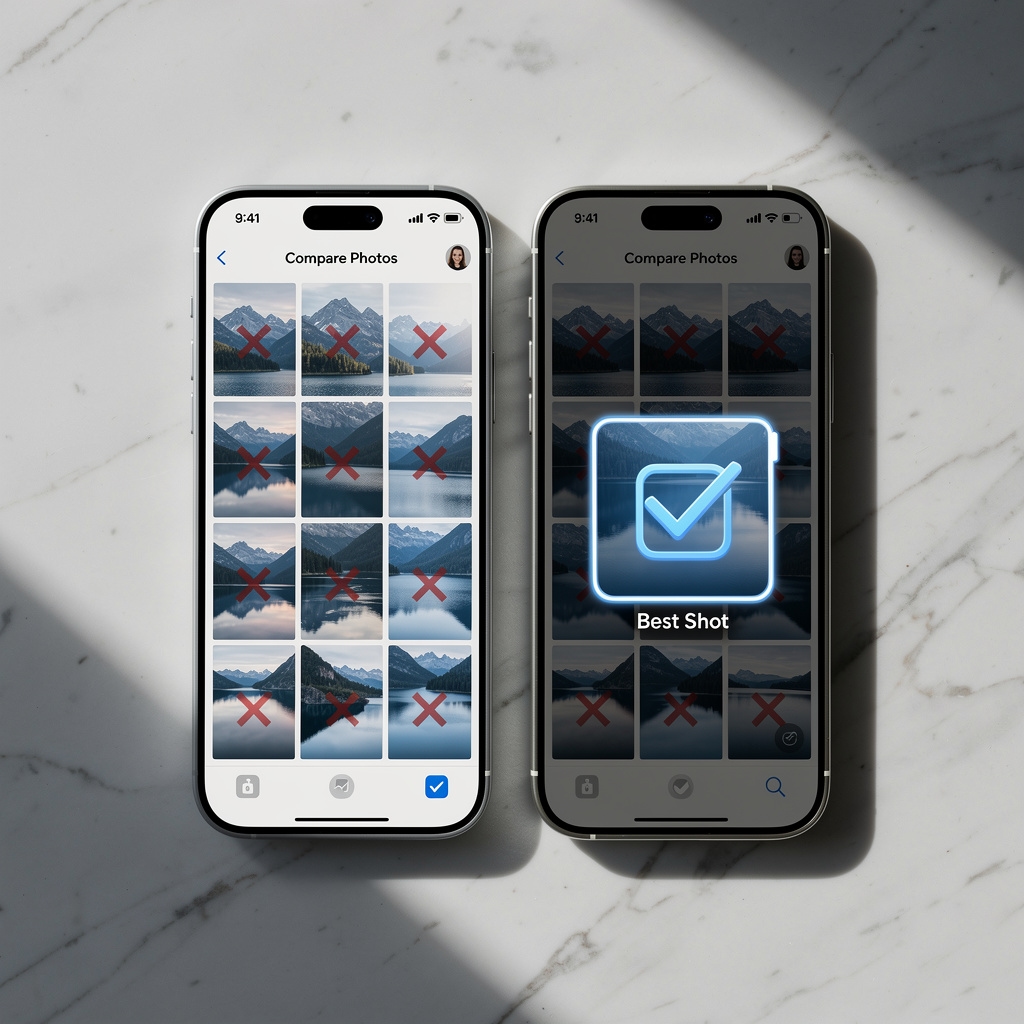
AI Photo Grouping
Groups visually similar shots and marks the sharpest, best-exposed image in each cluster for easy decision-making.
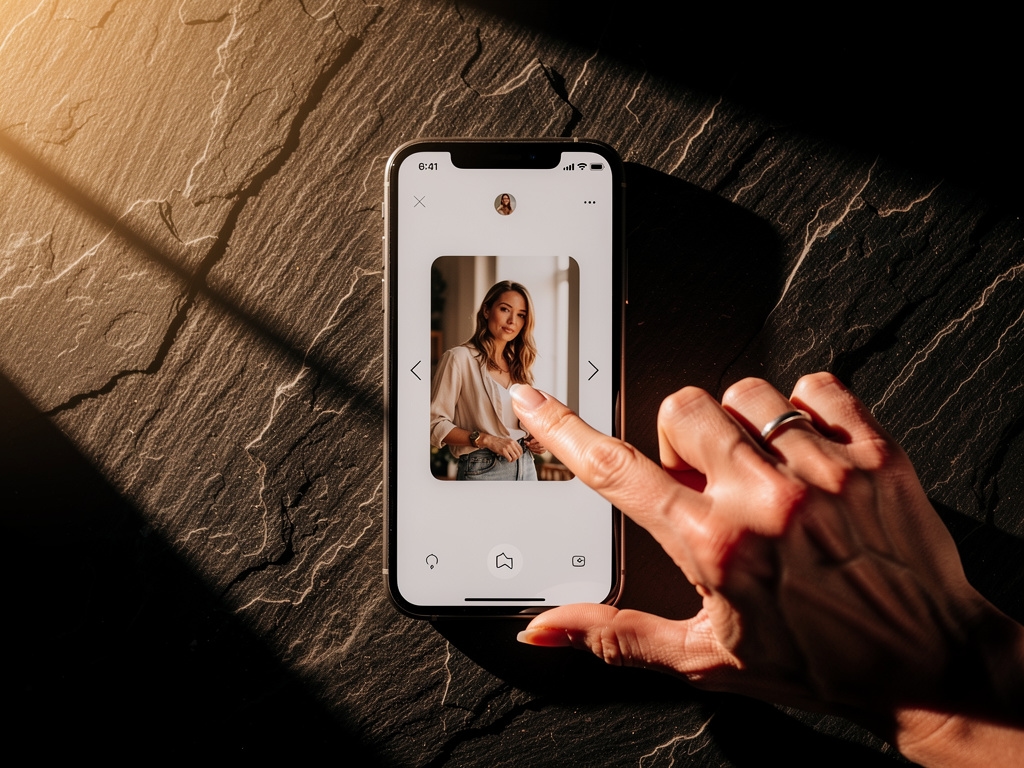
Swipe Sorting
A swipe-based interface lets you keep or discard photos rapidly without interrupting your workflow.
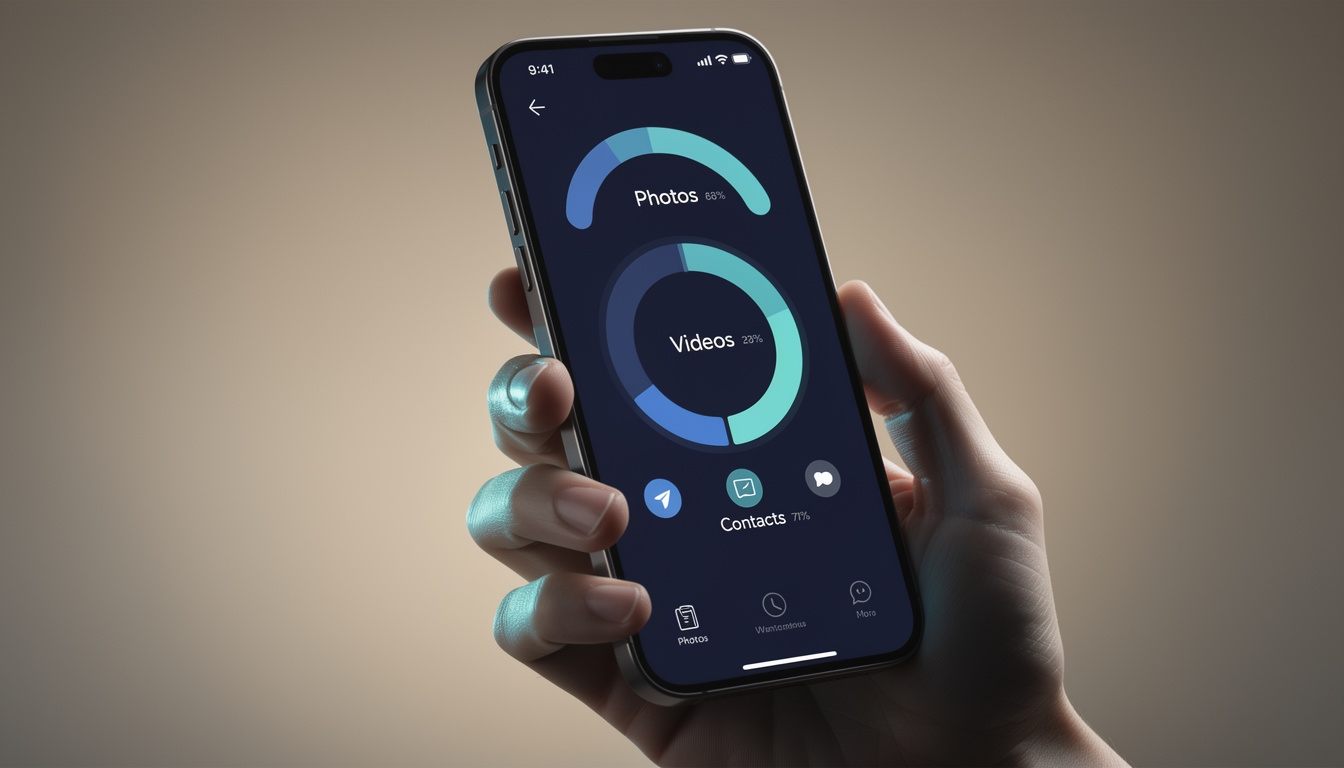
Storage Analysis
Visual breakdown of storage consumption by category, making it straightforward to find and reclaim space.
What Cleaner Pro Actually Does
This review covers all major features of the application, evaluated for how they function in everyday use on iPhone devices running iOS 15 and later.
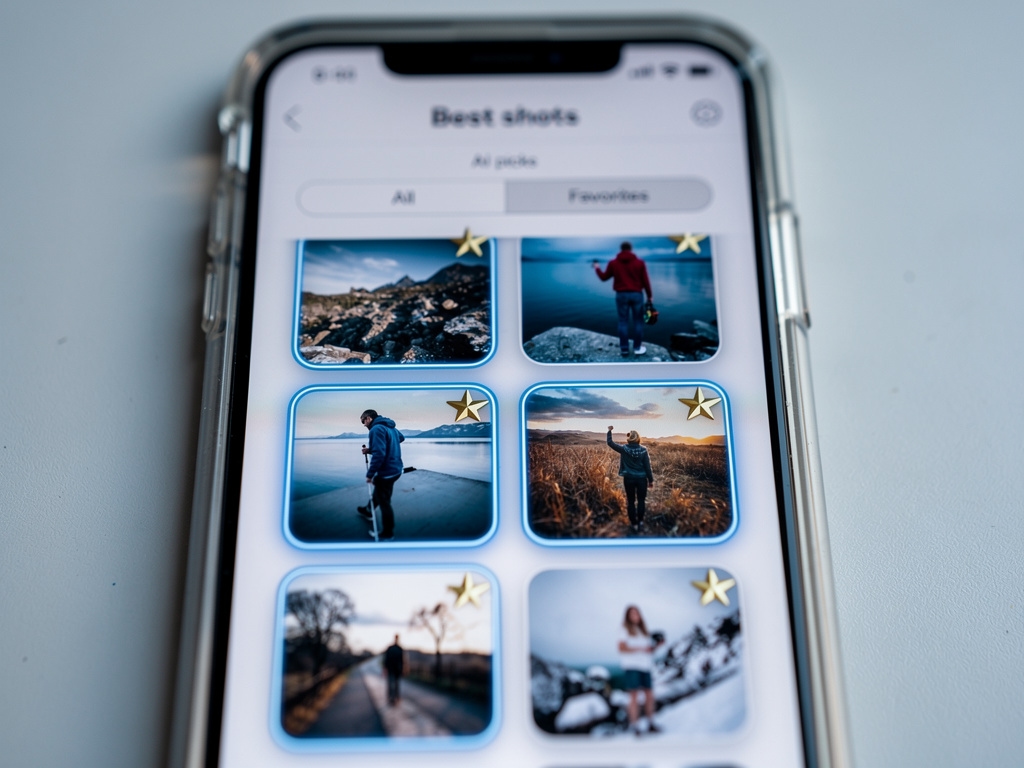
Intelligent Photo Grouping with Quality Ranking
The application analyzes your photo library and clusters images taken in quick succession or depicting similar scenes. Within each group, the AI evaluates sharpness, exposure, and composition to mark the recommended photo. You then decide whether to keep just that one or review the full group manually.
This approach works particularly well for burst photos and near-identical shots that accumulate over time without the user noticing. The entire analysis runs on-device, so no image data leaves your iPhone.
Read full feature breakdown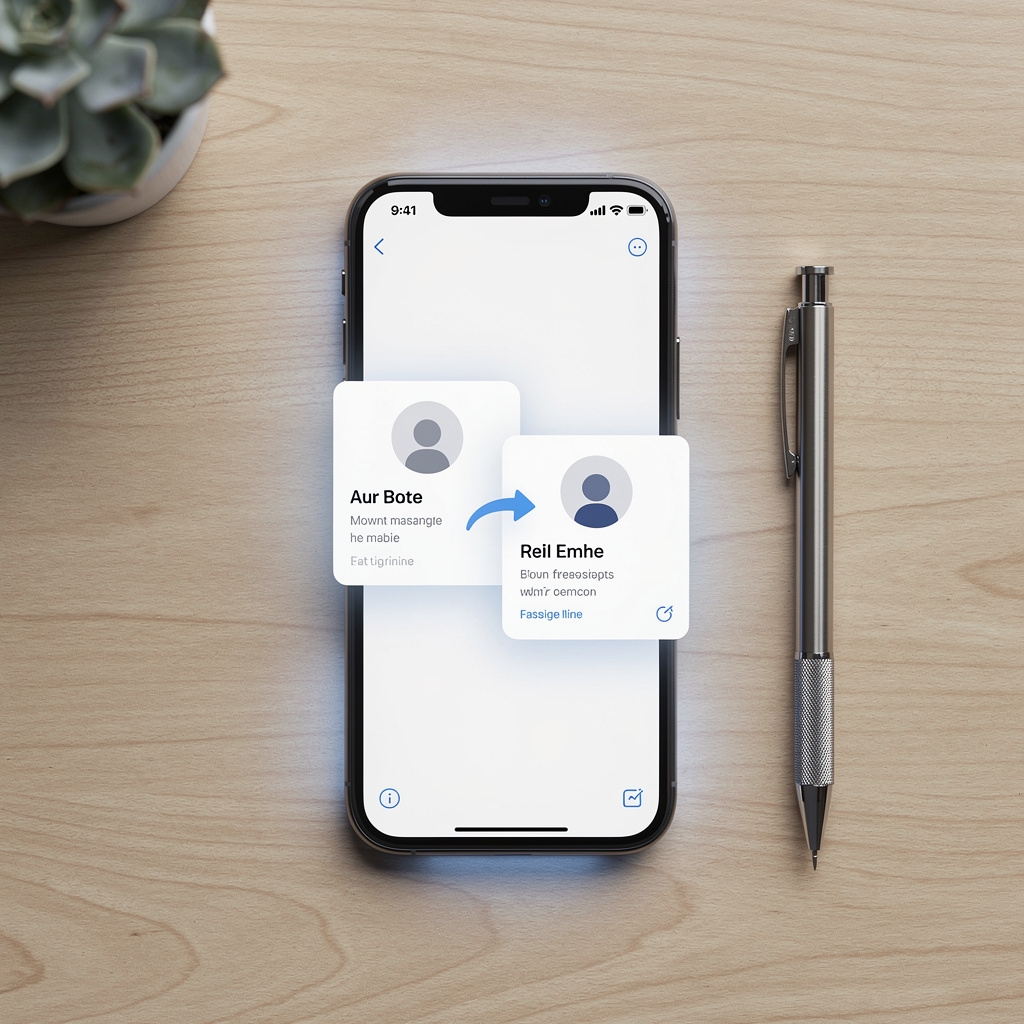
Duplicate Contact Detection and Automatic Merging
Beyond photos, Cleaner Pro scans your Contacts app for duplicate entries. It identifies identical names, matching phone numbers, and overlapping email addresses, then proposes merges. Premium subscribers also gain access to contact backup functionality, which stores a snapshot of the address book for later restoration.
The merge suggestions are presented clearly before any changes are made, so you remain in control of what gets combined and what stays separate.
View pricing detailsHow the Cleanup Process Works
Grant Photo Library Access
The app requests read access to your photo library. It scans locally without copying files to any server.
AI Scans and Groups
Machine learning models identify duplicates and similar shots, organizing them into reviewable clusters with quality scores.
Review with Swipe Interface
Use swipe gestures or tap selections to keep or discard photos. The interface is designed for speed without sacrificing accuracy.
View Storage Report
After cleanup, the storage analysis screen shows a visual breakdown of reclaimed and remaining space across all media categories.
Manage Contacts Optionally
Switch to the contact module to find and merge duplicate entries in your address book at any point independently of the photo workflow.
Visual Storage Breakdown
The storage analysis module presents a clear visual summary of how space is distributed across your device. Categories such as photos, videos, large files, and app data are shown with proportional indicators, making it easy to identify which areas have the most potential for cleanup.
This feature works independently of the photo cleanup workflow, so you can open it at any time to get an overview without triggering a full scan.
See Full Feature Guide
Free to Download, Optional Premium
Cleaner Pro is available at no cost from the Apple App Store. Core features are accessible without payment. A premium subscription unlocks unlimited access to all functionality including contact backup.
- Duplicate photo detection
- AI photo grouping (limited scans)
- Swipe mode gallery
- Storage analysis overview
- Contact backup
- Unlimited AI scans
- Everything in Free
- Unlimited AI scans
- Contact backup & restore
- Priority duplicate resolution
- Full storage analytics export
- All future feature updates
How Much Space Could You Reclaim?
This estimator provides a rough indication of potential storage savings based on typical usage patterns. Actual results depend on your individual photo library and usage habits.
Enter your details
Fill in the fields on the left and press Estimate to see a rough indication of how much storage the duplicate cleanup process might free up on a device like yours.
This estimator uses general assumptions only. It does not access your device or data. Results are illustrative, not guaranteed.
Guides and Reference Materials
Informational resources to help you understand the app's functionality and make the most of the cleanup process.
Getting Started Guide
A step-by-step walkthrough of the first-run experience in Cleaner Pro, from granting permissions to completing your first full scan.
Photo Cleanup Checklist
A practical reference listing the steps to take before, during, and after a photo cleanup session to ensure the best results.
Privacy and Data Handling Overview
An explanation of how Cleaner Pro handles photo and contact data, what permissions it requests, and why no network connection is needed.
Feature Comparison: Free vs Premium
A clear side-by-side breakdown of what is available in the free tier versus the premium subscription, with no promotional framing.
Questions About This Review
Location
Denisova 28, OlomoucCzech Republic
Try Cleaner Pro on Your iPhone
Available as a free download on the Apple App Store. No account required to start using the core features. The premium subscription is entirely optional and can be managed through your Apple ID at any time.
Download on the App Store