
How Cleaner Pro Works
This page provides a detailed explanation of each major feature in Cleaner Pro: Mobile Storage for iPhone. Content is based on direct evaluation of the application and is intended to give users a clear understanding of what to expect before or after downloading.
Finding Identical and Near-Identical Photos
The duplicate detection module scans your entire iOS photo library and identifies images that are either exact copies or visually near-identical. This includes photos accidentally saved twice, images shared to the device via messaging apps that duplicate existing photos, and screenshots taken multiple times in quick succession.
The detection process uses perceptual hashing, a technique that generates a compact fingerprint for each image based on visual content rather than just file metadata. Two photos that look identical to the human eye will produce similar or matching fingerprints even if their file sizes or timestamps differ slightly.
Results are presented as grouped clusters. Each cluster shows the images found to be duplicates of one another. You select which to keep and which to delete. Nothing is deleted without explicit confirmation.
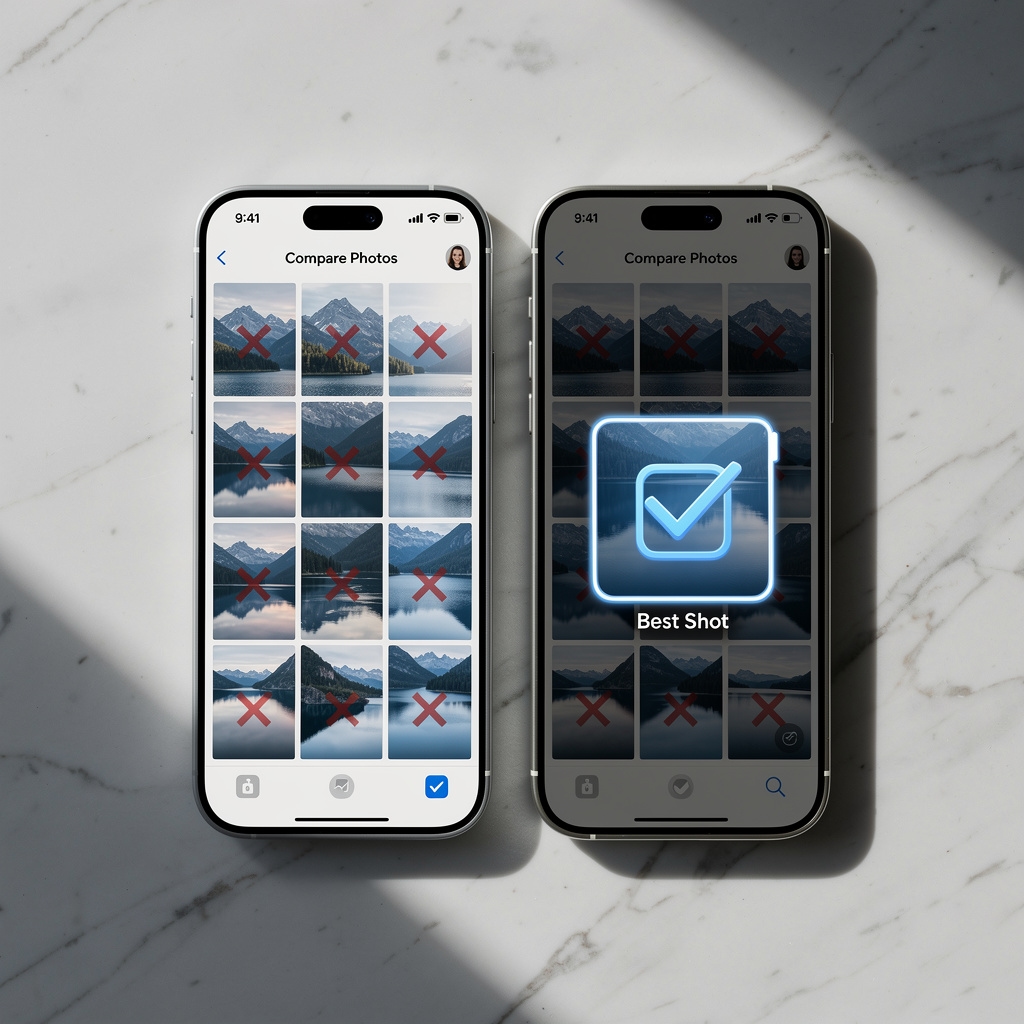
Grouping Similar Photos and Marking the Sharpest
Beyond exact duplicates, the application identifies photos that are similar but not identical, such as multiple shots of the same scene taken seconds apart, burst mode sequences, or photos from the same event with minor compositional differences.
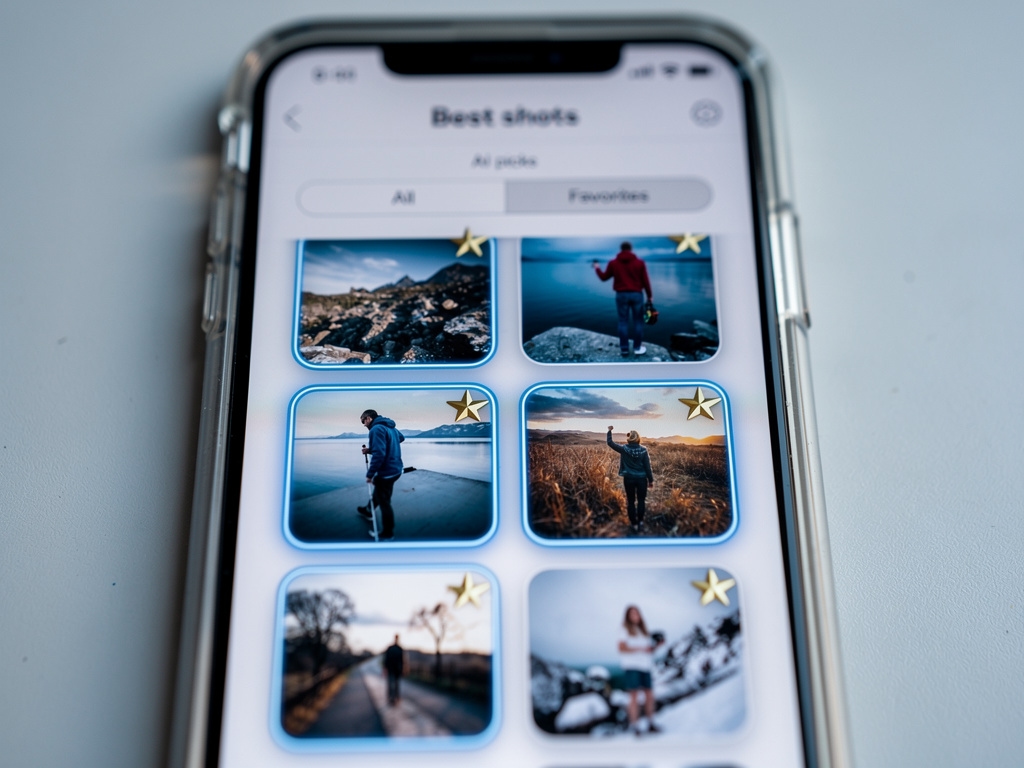
Within each group, a machine learning model evaluates image quality across several dimensions including sharpness, focus accuracy, exposure balance, and clarity of the subject. The photo that scores highest across these criteria is marked as the recommended image in that cluster.
This does not mean the recommended image is deleted automatically. The marking simply helps you make a faster decision when reviewing the group. You may choose any image from the cluster, keep multiple, or dismiss the whole group without changes.
Rapid Gallery Sorting Through Swipe Gestures
Swipe mode presents photos one at a time in a card-style interface. Swiping right marks the photo to keep. Swiping left marks it for deletion. Tapping opens the full-size image for closer inspection before deciding.
This mode is particularly useful for sorting through large volumes of casual photos that were never properly organized, such as event photos, screenshots, or photos taken during travel. The pace is controlled entirely by the user, so there is no pressure or automatic advancement.
At any point during a swipe session, you can undo the previous decision. A summary screen at the end of the session shows how many photos are queued for deletion before anything is permanently removed.

Detecting and Merging Duplicate Contacts
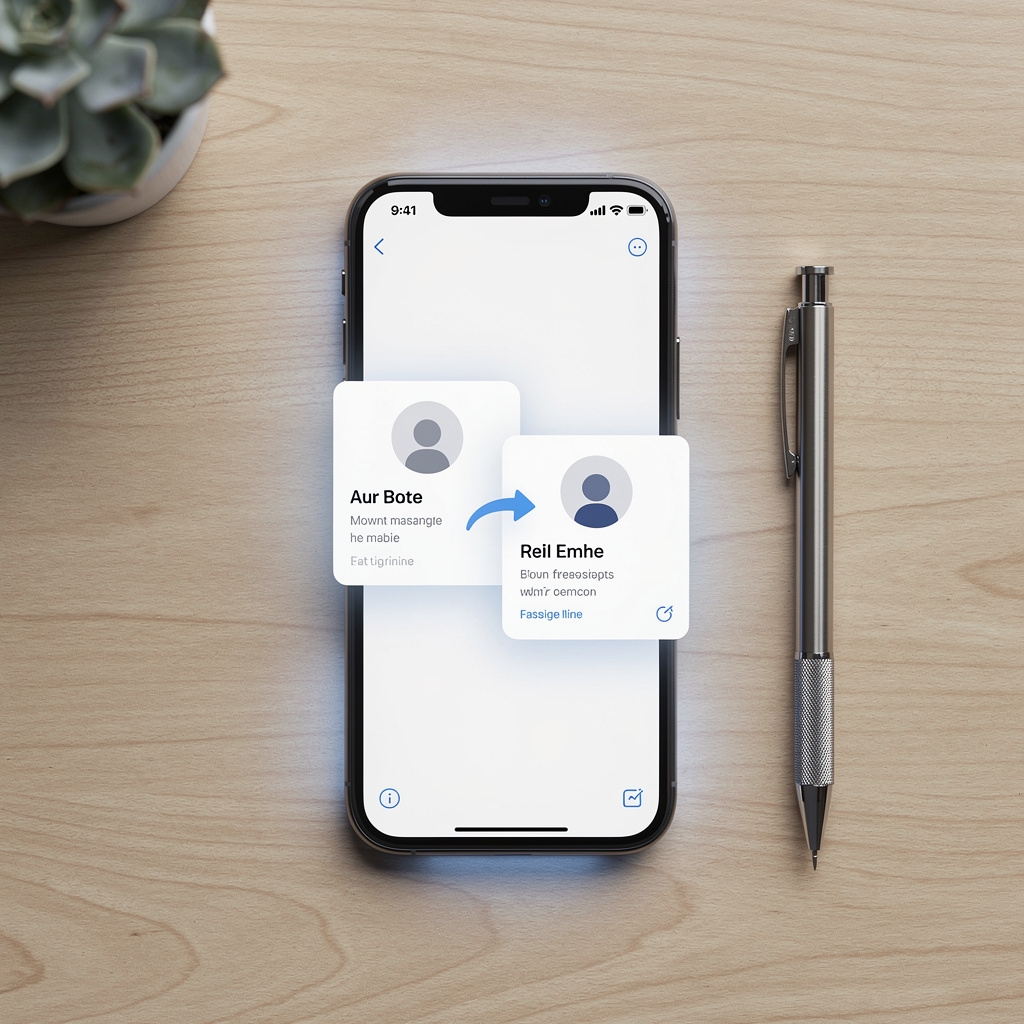
The contact module scans the native iOS Contacts database for entries that appear to represent the same person. It compares names, phone numbers, and email addresses, and identifies partial matches such as a contact saved both with and without a last name, or with a mobile number in one entry and an email in another.
Detected duplicates are shown as merge candidates. For each candidate pair or group, the app shows exactly what information would be combined. You approve or reject each merge individually. The automatic merge option applies all approved merges in one action.
Premium subscribers additionally have access to contact backup. This creates a local snapshot of the entire address book that can be restored if contacts are accidentally deleted or modified.
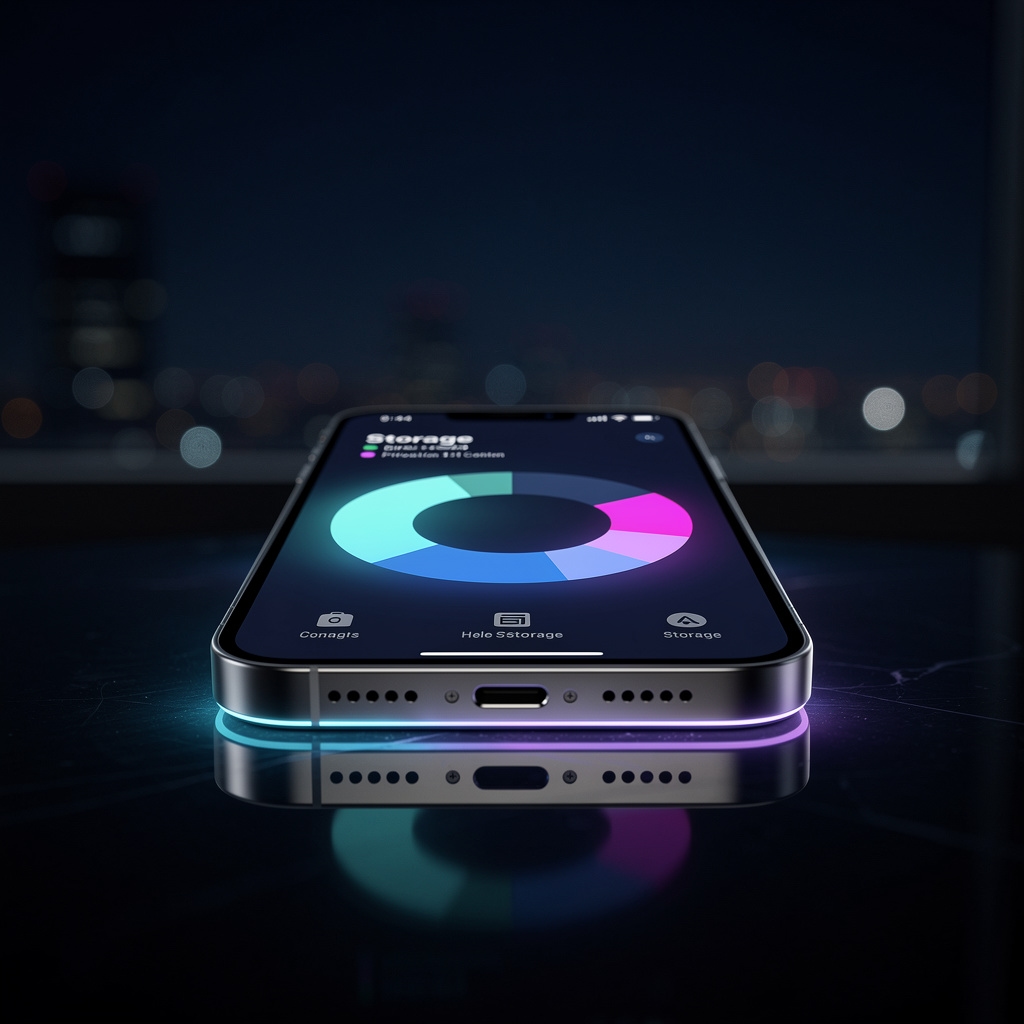
Visual Breakdown of Device Storage
The storage analysis screen provides a visual map of how your iPhone's storage is being used. Media categories such as photos, videos, and large video files are shown with proportional visual indicators. The display makes it easy to identify at a glance which category is consuming the most space.
This module operates independently of the photo cleanup workflow. You can open it without initiating a scan, and it updates to reflect the current state of the device whenever it is opened.
The information shown is read from the iOS storage API and does not require the app to have access to the contents of files in order to display size information. This keeps the permission footprint minimal while still providing a useful storage overview.
All Features Work Without Internet Access
Every feature described on this page functions entirely on the device. No network connection is needed to scan photos, detect duplicates, analyze storage, or manage contacts. This architectural choice means your data remains on your iPhone at all times during normal use of the application.
Download Cleaner Pro from the App Store
The application is available as a free download. The core features described on this page are accessible without a subscription.
Get It on the App Store